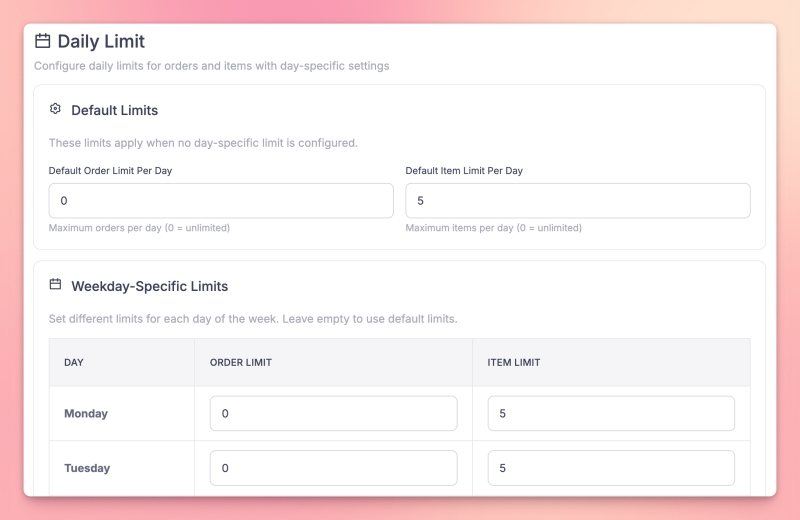
Cap orders or items per day
Set daily limits for orders or items per day. Turn the module on in your settings and define default limits, then optionally set different limits by weekday (e.g. higher on weekends) or by specific dates (e.g. holidays or events).
When a limit is reached, customers are informed and cannot add more.
Where to set it up
Find the Daily Order Limit module in your module or vendor settings to configure limits.