What demo access is
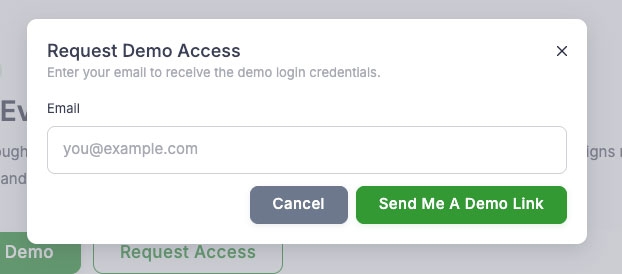
The platform now offers demo access: people can request temporary credentials and use the vendor dashboard to try the platform before signing up. They receive login details by email and can use the menu and ordering flows right away.
What demo accounts can do
Demo users can edit the menu, receive orders, and use normal order and menu workflows. A demo banner in the app explains that they are in demo mode: data resets daily and some settings are locked. Changes to orders or menu are cleared on the next reset.
What’s not available in demo mode
In demo accounts, profile, company settings, working hours, delivery/pickup areas, tables, staff, apps, floorplan, and some module settings cannot be changed. The app shows a clear message when someone tries a locked action.
You can point potential customers or partners to demo access so they can try the platform before subscribing.