TL;DR. The slowest part of getting online is writing the catalog — naming every item, describing it, sorting it into categories, and doing it again in a second language. WhatsMenu's AI Kit does that heavy lifting. Drop in a batch of product photos and AI writes each item's name, description, and category for you to review. Translate your entire catalog into another language in one pass. Rewrite a flat description into something appetizing, or generate and clean up product photos — all from inside your catalog, all with you approving the final result. What used to be an evening of typing becomes a few minutes of reviewing.
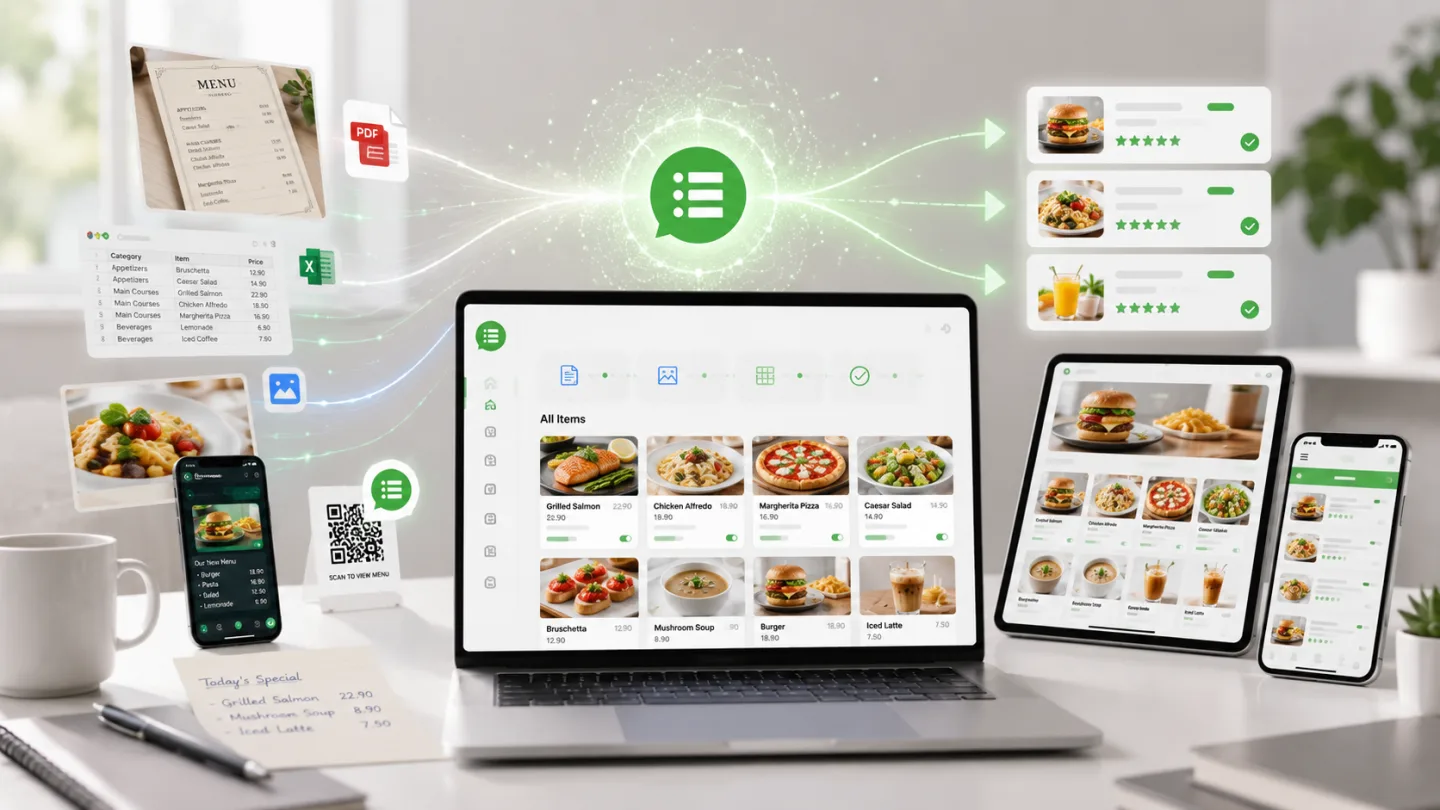
What AI Kit is
AI Kit is a set of AI tools built into your WhatsMenu catalog. You'll find them as an "AI Tools" menu on your items page and as buttons inside the item editor. Nothing runs on its own and nothing goes live automatically — every AI result lands as a draft you check and approve before customers ever see it.
Four things it does today:
- Add items from photos — build the catalog itself, in bulk.
- Translate your catalog — into the other languages you sell in.
- Polish item text — rewrite descriptions, or write one from a photo.
- Fix and generate product photos — clean backgrounds or create an image when you don't have one.
Add your whole catalog by taking photos
This is the big one. Instead of adding products one by one, you photograph what you sell and let AI turn the pictures into listings:
- Drop in a batch of photos — up to 60 at a time.
- AI reads each photo and writes a name, a short summary, and a full description based on what it sees.
- It sorts each item into a category, picking the best fit from your existing categories or proposing a new one when nothing matches.
- You review everything in a grid — fix a name here, tweak a price there — then save the batch and enable it on your storefront in one click.
Because each item arrives as a hidden draft, nothing reaches customers until you say so. Started a big batch and got interrupted? It's saved — come back and pick up where you left off. For a shop with a hundred products and no listings written yet, this is the difference between "someday" and "this afternoon."
Translate your catalog into every language you sell in
If your customers speak more than one language, AI Kit translates the catalog for you:
- Translate one item or the whole catalog — including not just names and descriptions but variant and add-on names too.
- It only fills the blanks. Anything you've translated by hand stays exactly as you wrote it; AI never overwrites your wording. Items already translated are skipped.
- Run it and watch it work — a live counter shows progress, and you can stop and resume any time.
A salon in Kuala Lumpur can run English, Malay, and Mandarin side by side; a bakery in São Paulo can offer Portuguese and English — without retyping the menu three times.
Polish the words
Not every item needs a fresh listing — some just need better words:
- Rewrite a summary or description into something cleaner and more appetizing, then regenerate until it sounds right.
- Describe an item from its photo — point AI at a product image and it writes the name, summary, and description together.
Fix and generate product photos
Good photos sell, and AI Kit helps when yours aren't ready:
- Enhance a real product photo — clean up the background and lighting so a phone snapshot looks storefront-ready. Because it's still your genuine product, customers see it as a normal photo.
- Generate a photo when you don't have one at all — useful as a placeholder while you arrange a proper shoot. Generated images carry a small "AI-generated" label so customers aren't misled.
Works for any business
AI Kit isn't food-only. The tools read whatever you sell and write in the right register — dishes for a kitchen, products for a boutique, services for a salon or clinic. There's no industry lock; if it's in your catalog, AI Kit can help build it.
How the AI is metered
AI actions draw on a pool of credits included with your account, so heavy days don't produce surprise bills — the same result for the same request is reused rather than recharged. If you already have your own AI provider account, you can bring your own key and run the tools on that instead. Either way, the AI does the drafting; you keep the final say.
What it is — and isn't
- It's a drafting assistant, not autopilot. AI proposes; you review and approve. Nothing publishes to your storefront without your click.
- It builds catalogs from your product photos — one photo becomes one item. Point a camera at your shelves and go.
- It writes and translates; it doesn't invent your prices. You set and confirm every price.
Frequently asked questions
Do I have to use AI for my whole catalog?
No. Use it for a single stubborn description or for a hundred items at once — it's there when you want it and out of the way when you don't.
Will AI-written listings go live without my approval?
No. Everything AI produces lands as a hidden draft. You review it and enable it yourself; customers never see anything you haven't approved.
Can it translate variants and add-ons, not just item names?
Yes. Translation covers names, summaries, descriptions, and the names of variants and add-ons — and it only fills empty language fields, so your hand-written translations are never overwritten.
Does the photo tool change my real product pictures?
Enhancement cleans up your genuine photo (background, lighting) and customers see it as a normal image. Fully AI-generated images are labeled "AI-generated" so buyers know the difference.
Does this work for a shop that isn't a restaurant?
Yes. AI Kit is multi-industry — retail, services, health, and more. It reads what you sell and writes accordingly.
What does it cost to run?
AI actions use credits included with your account, and repeated identical requests are reused for free. You can also connect your own AI provider key to run the tools on your own account.
Bottom line
The catalog is the part of getting online that most businesses dread — the typing, the descriptions, the second language, the photos. AI Kit turns that from a chore into a review step: photos in, listings out, you approve. Build the shop in an afternoon instead of a weekend.
Get started at whatsmenu.page/new, or open AI Tools in your catalog if you're already on WhatsMenu. New to the platform? Start with What Is WhatsMenu?