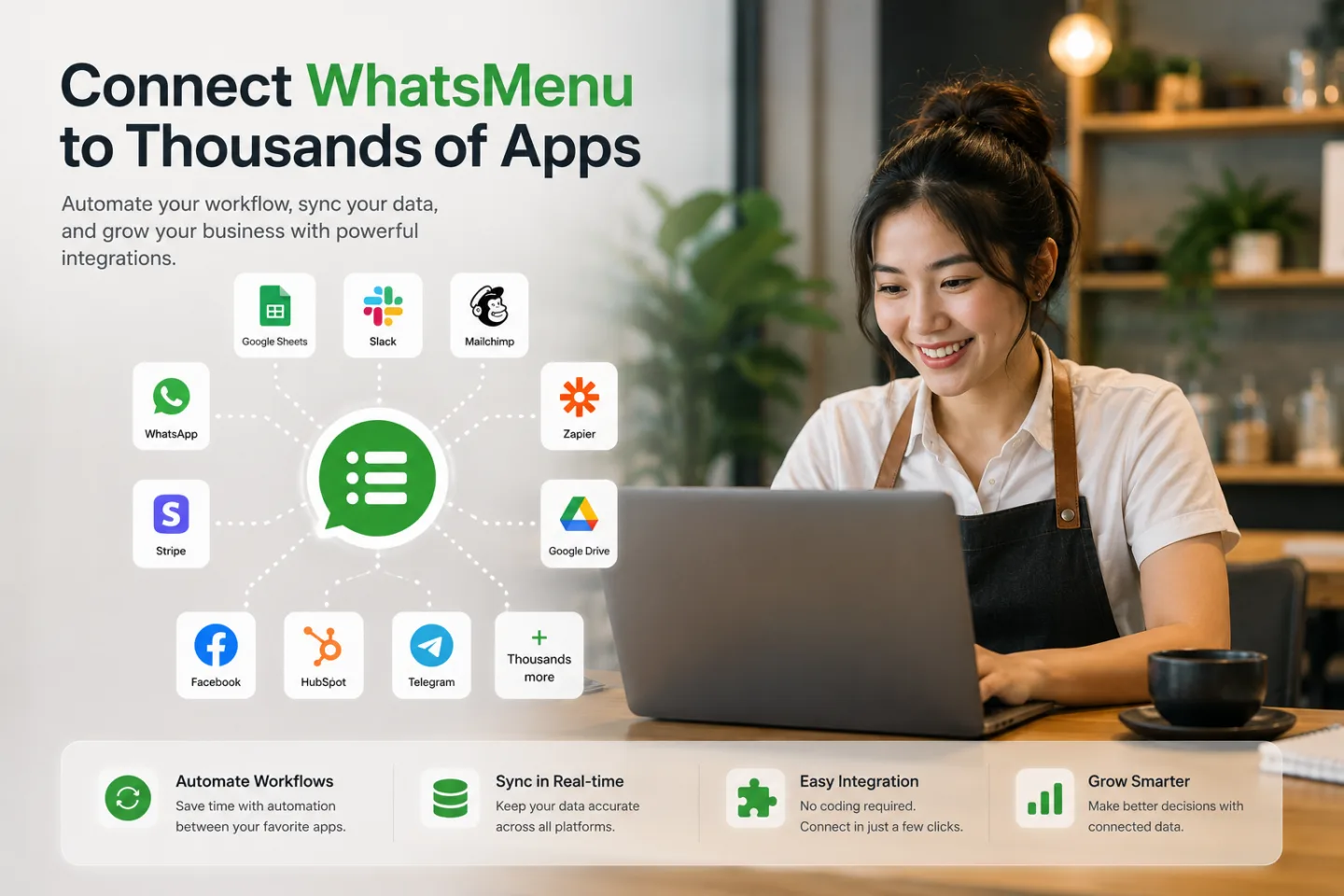
TL;DR. Every WhatsMenu store can send instant notifications — webhooks — the moment something happens: a new order, a paid order, a new booking, a new customer. Zapier, Make, and n8n each turn those notifications into actions in thousands of other apps: a new row in Google Sheets, a message in Slack, a contact in Mailchimp, an event in Google Calendar, a draft entry in QuickBooks. You copy one URL from the automation platform, paste it into WhatsMenu, and you're connected. No developer needed.
The problem this solves
Your store already knows everything important the moment it happens — who ordered, what, for how much, when the booking is. The trouble is that the rest of your business lives in other tools: the sales sheet you review weekly, the team chat, the mailing list, the accounting file. Copying things over by hand is how orders get missed and lists go stale.
Automation platforms exist to move that data for you. WhatsMenu speaks to all of them the same way: through webhooks.
What you can trigger on
WhatsMenu can notify your automation platform when:
- a new order is placed — the workhorse trigger for spreadsheets, chat alerts, and dashboards;
- an order is paid or cancelled — the clean signals for bookkeeping;
- an order's status changes — accepted, prepared, on its way;
- a booking is made, confirmed, cancelled, or changed — made for calendar sync;
- a new customer appears at your store for the first time — made for mailing lists.
Each notification carries the full picture: customer contact, items, amounts, delivery or pickup details, and a direct link to the order.
Which platform should you pick?
- Make — start here if you're starting from zero: webhook triggers are included in its free plan, and the visual editor is friendly.
- Zapier — the biggest catalog of connected apps; its webhook trigger requires a paid Zapier plan.
- n8n — open source and free to self-host; the tinkerer's choice.
WhatsMenu doesn't care which you choose — the setup is identical, because all three hand you a URL that receives the data.
The ten-minute setup
- In your automation platform, create a new automation that starts with the webhook trigger (Make calls it Custom webhook; Zapier, Catch Hook; n8n, Webhook). Copy the URL it gives you.
- In WhatsMenu, enable Webhooks under Settings → Apps, open the new Webhooks page in your sidebar, and add an endpoint: paste the URL, tick the events you want, save.
- Place a test order (or resend a past delivery from the built-in delivery history) so the platform captures a sample.
- Map the fields into your action step — customer name into column A, total into column B — and switch the automation on.
From then on it runs by itself. WhatsMenu keeps a delivery log of every notification sent, retries automatically if your platform is briefly unreachable, and shows you the status of every delivery.
Six automations worth stealing
- The living sales sheet. Every new order appends a row to Google Sheets — date, customer, items, total. Your weekly review builds itself.
- The kitchen/team ping. New order → message in your Slack, Telegram, or Discord channel with the order link. Nobody refreshes a screen.
- The bookkeeping feed. Order paid → draft entry in QuickBooks or Xero. Month-end stops being archaeology.
- The bookings calendar. Booking confirmed → event in Google Calendar; booking cancelled → event removed. Works whether you take table reservations, salon appointments, or viewing slots.
- The growing mailing list. New customer → subscriber in Mailchimp or Brevo, tagged by store. Your list grows while you sleep.
- The daily digest. Collect the day's orders in your platform and send yourself one evening summary — total count, revenue, top items.
None of these require code. All of them use the same one URL.
What about WhatsApp?
Order notifications to your customers over WhatsApp are a built-in WhatsMenu feature — you don't need an automation platform for that. Webhooks are for connecting your other business tools.
Get started
Webhooks are available in your WhatsMenu dashboard under Settings → Apps. The step-by-step guide walks through Zapier, Make, and n8n setup in detail — most store owners are live in about ten minutes.