TL;DR. WhatsMenu handles the whole last mile of a local order — not just the checkout. Draw your delivery area on a map and charge by distance; dispatch orders to your own drivers through a dedicated driver app with live location tracking, proof of delivery, and cash-on-delivery reconciliation; or hand a job to a courier partner like Lalamove or Detrack in one step when you don't want to send your own rider. Everything lands back in the same order screen, so you always know where a delivery is and who's carrying the cash.
If "how do we deliver this?" is the messiest part of your day, this is the part of WhatsMenu that tidies it up.
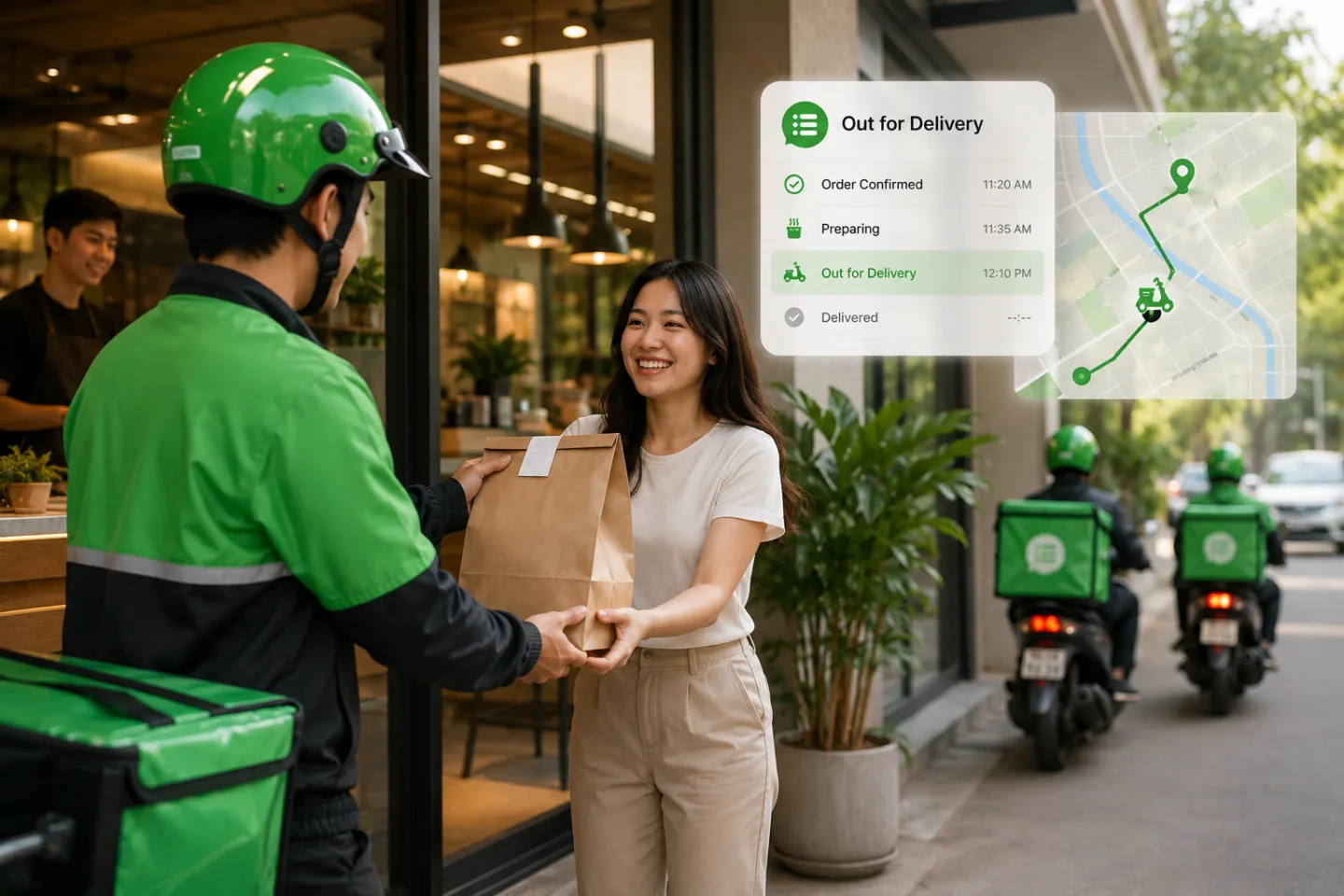
Three ways to get an order to the customer
Local businesses don't deliver one way — they mix and match. WhatsMenu supports all three from the same order:
- Your own drivers — staff on your payroll, using the WhatsMenu Drivers app.
- A courier partner — Lalamove for on-demand pickup, or Detrack to dispatch to an external fleet, when you'd rather not send your own person.
- Pickup — the customer collects, no delivery needed at all.
You choose per order, or set sensible defaults. Here's how each piece works.
Delivery zones and distance-based fees
Delivery pricing on WhatsMenu is built around a map, not a guess:
- Draw your delivery area. Set your shop's location by searching an address or dropping a pin, then draw the polygon you actually deliver to. Addresses inside are eligible; addresses outside are cleanly told you don't deliver there.
- Charge by real driving distance. Fees are calculated on the road distance a driver actually travels — not a straight line on a map — so the price a customer pays lines up with the trip.
- Price it your way. Charge a rate per kilometre, or set distance tiers ("up to 3 km → one price, up to 6 km → another"), with an open-ended top tier so a far-flung order is never accidentally free.
The result: customers see an honest delivery fee at checkout, and you're not losing money on the long runs.
Your own drivers, with a real driver app
If you run in-house delivery, your drivers get their own mobile app — separate from the app you use to manage the business:
- Go on and off duty. Drivers mark themselves available; only on-duty drivers get assigned.
- Get assigned and navigate. A new job arrives with an alert; the driver taps straight into turn-by-turn navigation using Google Maps, Apple Maps, or Waze.
- Live tracking to your dashboard. Once a driver picks up, their location streams back to your order screen, so you (and the customer) know the order is on its way.
- Proof of delivery. Optionally require a photo at drop-off before a delivery can be marked complete — useful for contactless handoffs and disputes.
- Handle the ones that go wrong. If a customer's unreachable or the address is bad, the driver records a failed delivery with a reason, and you can re-assign it to try again.
Assignment is up to you: keep it manual, or turn on auto-dispatch so that when an order is marked prepared, it goes to the nearest available driver automatically. If a driver can't take it, it rolls to the next-nearest.
A note on how WhatsMenu treats drivers: your drivers are your staff, not gig workers bidding for jobs. There's no earnings marketplace and no per-delivery pay screen — assignment is directed by you, the way a shift works. What the app does track is cash.
Cash on delivery, reconciled
For businesses that take cash at the door, WhatsMenu keeps the money side straight:
- Each driver sees their "cash on hand" — the total they've collected and not yet handed in.
- At the end of a shift, you settle a driver's cash in one step, and the balance resets.
No more end-of-day guessing about who's holding what.
Hand off to a courier when you'd rather not send your own driver
Some orders you don't want to run yourself — you're short-staffed, it's a one-off, or it's outside your usual radius. WhatsMenu connects to two courier services so you can hand off without leaving the order:
- Lalamove — on-demand pickup in supported markets across Southeast Asia, Latin America, and East Asia (Brazil, Hong Kong, Indonesia, Malaysia, Mexico, the Philippines, Singapore, Taiwan, Thailand, and Vietnam). From the order screen you get a live price quote and book a rider; the drop-off is pre-filled from the exact spot the customer pinned at checkout, so there's nothing to re-type.
- Detrack — dispatch the delivery to your external fleet and have status flow back automatically. When the delivery is completed on Detrack's side, the order in WhatsMenu updates itself — no manual marking.
Both connect from your dashboard and sit right on the order, alongside your own-driver option.
Who it's for
Any local business where the order has to physically reach the customer:
- Restaurants, cafés, and cloud kitchens — hot food, tight delivery windows, cash and card at the door.
- Grocery, mini-markets, and pharmacies — same-day local runs, sometimes several drops per trip.
- Retail, florists, and gift shops — scheduled and same-day delivery around town.
- Anyone with a van and a few regular drivers — the tools scale from one driver to a small fleet.
What it is — and isn't
- It's local last-mile delivery, not nationwide parcel shipping. WhatsMenu is built for orders that reach a customer across town the same day — your drivers or a local courier — not for printing carrier labels to ship a box across the country.
- Dispatch is directed, not a gig auction. Orders go to your own on-duty staff (or a courier you choose), not to an open pool of freelancers.
- Courier coverage depends on the partner. Lalamove works in its supported markets; where it isn't available, use your own drivers, Detrack, or pickup.
Frequently asked questions
Do my drivers need a separate app?
Yes — your drivers use the WhatsMenu Drivers app, which is different from the app you use to run the business. It's built for the road: on/off duty, job alerts, navigation, tracking, proof of delivery, and cash on hand.
Can WhatsMenu assign orders to drivers automatically?
Yes. Keep assignment manual, or switch on auto-dispatch so a prepared order goes to the nearest available driver on its own, rolling to the next driver if the first can't take it.
How are delivery fees calculated?
By real driving distance from your shop to the customer, within a delivery area you draw on a map. Charge a per-kilometre rate or set distance tiers — your choice.
What if I don't have my own drivers?
Use a courier partner. Lalamove books an on-demand rider in supported markets; Detrack dispatches to an external fleet with status syncing back to your orders. You can also offer pickup instead.
How does cash on delivery work?
Drivers collect cash and the app tracks each driver's running "cash on hand." At shift end you settle it in one step, so the books always match what's in the bag.
Can customers track their delivery?
Once a driver picks up, their location streams to your dashboard, and status updates can reach the customer over WhatsApp — so nobody's left wondering where the order is.
Which countries does Lalamove cover here?
The connection supports Lalamove's markets in Brazil, Hong Kong, Indonesia, Malaysia, Mexico, the Philippines, Singapore, Taiwan, Thailand, and Vietnam. Outside those, use your own drivers or Detrack.
Bottom line
WhatsMenu doesn't stop at "order received." It takes the order to the door — your drivers with live tracking and reconciled cash, or a courier partner in one tap — priced by real distance and tracked in one place. The delivery stops being the chaotic part of the day.
Get started at whatsmenu.page/new, or turn on delivery from Settings if you're already running a storefront. New here? Start with What Is WhatsMenu?